Our DXF File Viewer opens .dxf drawings in your browser so you can preview the file on your device. DXF is common for CAD drawings, laser cutting files, CNC outlines, signs, templates, and 2D design handoff.
The file stays local. PrintNexus does not upload or store it, and you do not need an account.
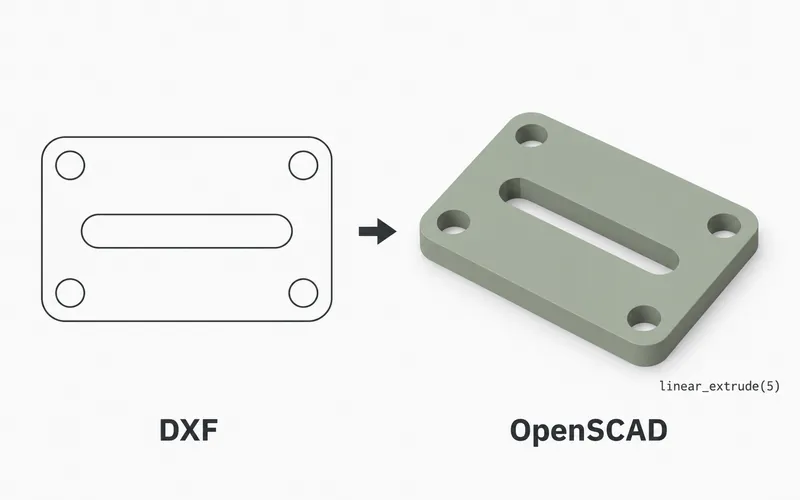
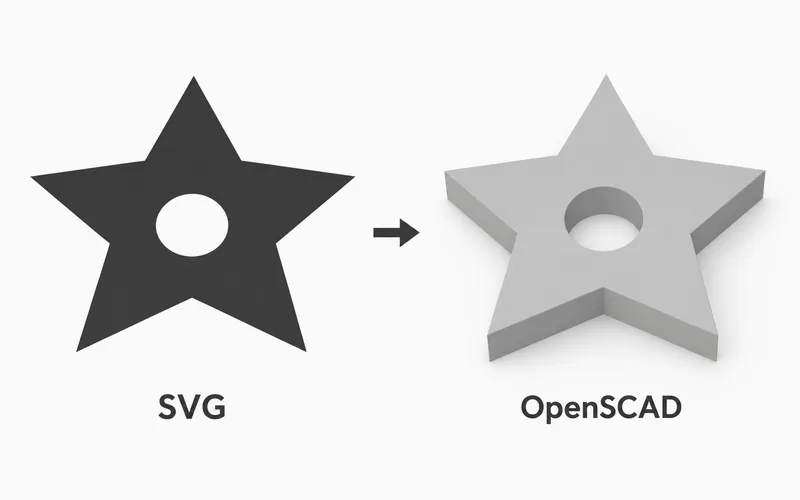
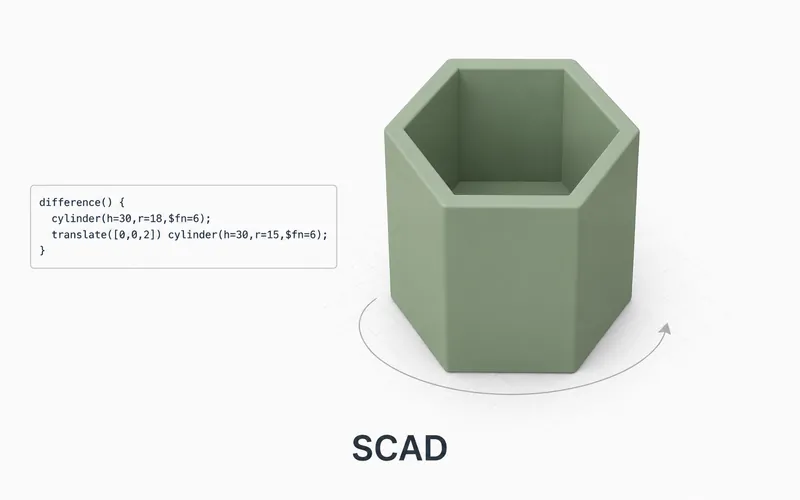
Need to do more with the drawing? Try the Free DXF to OpenSCAD Converter, the Free SVG to OpenSCAD Converter, or the Free OpenSCAD Viewer.
How to view a DXF file online
- Upload the
.dxffile into the viewer at the top of this page. - Wait while the browser opens the drawing.
- Drag, pan, and zoom around the preview.
- Use the preview for a quick visual check.
What is a DXF file?
DXF is a drawing exchange format used by CAD programs. It was made so drawings could move between different design tools.
Many maker DXF files are 2D drawings made from lines, arcs, circles, and joined paths. They are often used before laser cutting, CNC work, sign making, or turning a flat outline into a 3D model.
When to use this viewer
Use this viewer when you have a DXF file and want a quick browser preview before opening a CAD, laser, CNC, or modeling app. It is useful for checking the general drawing before sending it to another tool.
For final measurements, cutting, machining, or design work, open the same file in your CAD app.
Viewer limitations
DXF files can contain many kinds of CAD data. Text, dimensions, fills, blocks, page layouts, and 3D solids may need a full CAD program for final review.
Use this page for a quick visual check, then use your CAD or shop software before cutting, machining, or building from the drawing.