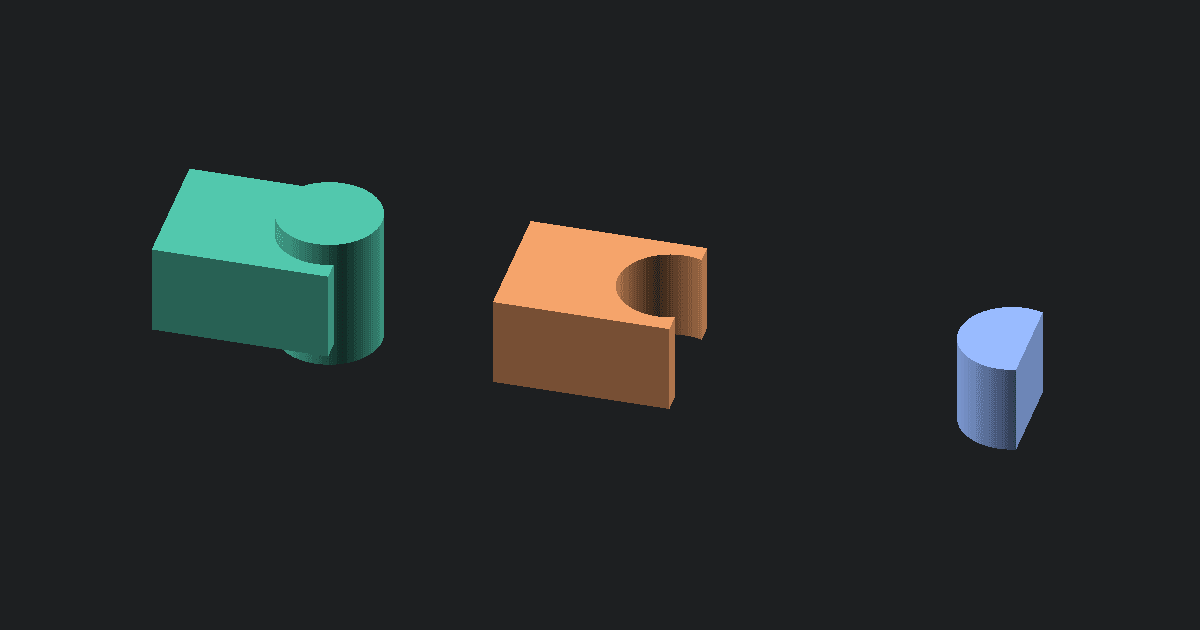
This STEP to OBJ converter turns a precise CAD model into a triangle mesh that Blender and other mesh-based 3D applications can open. It reads .step and .stp files locally, tessellates their visible surfaces, and writes the result as Wavefront OBJ geometry. Use it when you need the shape of a CAD part outside a CAD workflow.
Bring a STEP model into a mesh-based 3D application
STEP is designed to exchange CAD solids and surfaces between engineering tools. OBJ is designed for polygon meshes. Converting between them is useful when a product model needs to move into rendering, animation, sculpting, mesh cleanup, or another workflow that does not read STEP well.
The OBJ is a new mesh representation of the part. It is not an editable copy of the CAD construction. Keep that difference in mind before making the OBJ your only copy.
The key change: exact CAD surfaces become triangles
How tessellation recreates curved faces
A STEP file can describe planes, cylinders, fillets, and other curved surfaces with exact mathematical definitions. OBJ cannot store those definitions. The converter samples each visible CAD face and covers it with flat triangles, a process called tessellation.
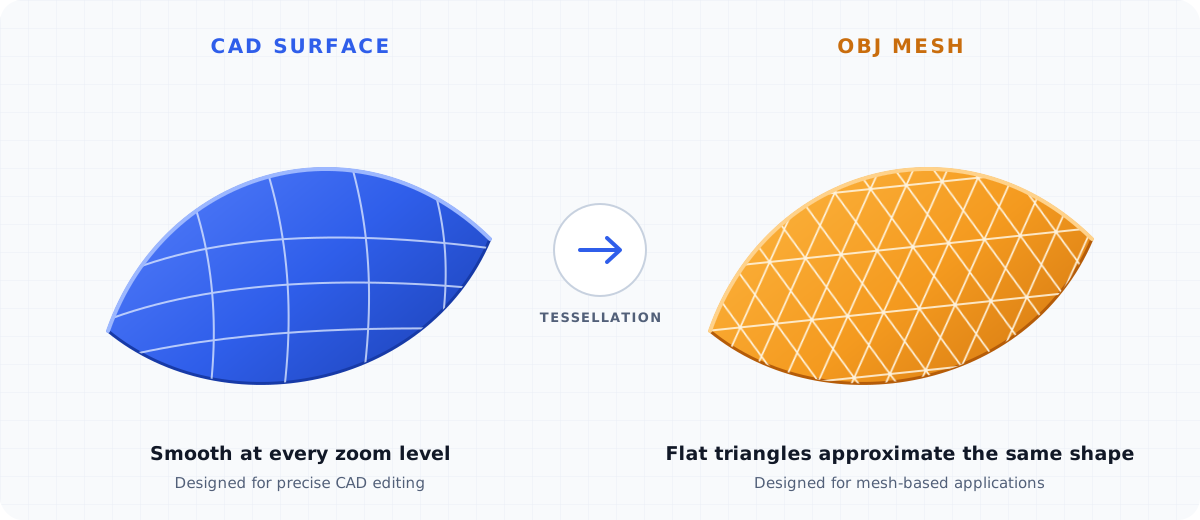
Straight faces remain visually simple. Curves need more triangles to follow their shape. Zoom in on cylinders, holes, fillets, and rounded edges in the preview because those areas make the difference between a smooth-looking mesh and a visibly faceted one.
Why the OBJ is no longer editable CAD
Once the surfaces become triangles, the OBJ no longer knows that a hole was made by a sketch or that a rounded edge came from a fillet. It contains points and faces, not sketches, constraints, dimensions, features, or exact NURBS surfaces.
You can edit the OBJ with mesh tools, but changing a CAD dimension is no longer a simple parameter edit. Make design changes in the original STEP source or its native CAD file, then export a fresh OBJ.
What happens to assemblies, part names, and materials
STEP can carry a product structure with separate parts, transforms, names, colors, and other metadata. This converter gathers the visible tessellated geometry and writes one OBJ mesh. It does not write assembly relationships, constraints, part names, CAD colors, or a companion MTL material file.
That is suitable when you need the combined shape for viewing or mesh editing. It is not suitable when another person needs the original assembly tree or separate engineering parts.
Check the OBJ for scale and surface quality
Inspect curved areas and sharp edges
Rotate the preview and look closely at round holes, small fillets, thin walls, and sharp transitions. Tessellation can make curves look faceted, while very small details may be difficult to see in a general-purpose mesh viewer.
OBJ also stores face geometry without CAD topology. Check that the visible surfaces meet as expected before using the model in a render, simulation, or manufacturing handoff.
Confirm the dimensions before using the mesh
The CAD reader converts the STEP model to millimeters, but OBJ does not store a standard unit declaration. A destination app may treat the coordinate values as meters, centimeters, or generic units.
Compare the preview dimensions with the original CAD part. When you import the OBJ into Blender or another app, choose millimeters or apply the matching import scale so the part keeps its intended size.
Keep the STEP file as your master model
The STEP file should remain the source for accurate CAD exchange, manufacturing dimensions, and future design changes. The OBJ is a downstream mesh for apps that work with polygons.
Converting the OBJ back to STEP does not restore exact surfaces or feature history. The Free OBJ to STEP Converter can place a faceted mesh in a STEP container, but the result remains faceted CAD geometry.
Use the OBJ for rendering, mesh editing, or sharing
Open the download with the Free OBJ Viewer for a quick visual check. Use the OBJ in Blender or another mesh editor when you need to render, simplify, sculpt, or share the shape. If your real goal is a slicer-ready print mesh, the Free STEP to STL Converter is the more direct route.