Our Online STEP File Viewer opens .step and .stp files in your browser so you can preview a CAD part on your device. STEP files are common for engineering parts, supplier models, and CAD-to-print workflows.
The file stays local. PrintNexus does not upload or store it, and you do not need an account.
Need to do more with the file? Try the Free STEP to STL Converter, the Free STEP to OBJ Converter, or the Free Online STL Viewer.
How to view a STEP file online
- Upload the
.stepor.stpfile into the viewer at the top of this page. - Wait while the browser opens the part.
- Drag to rotate and scroll to zoom.
- Use the preview for a quick visual check.
What is a STEP file?
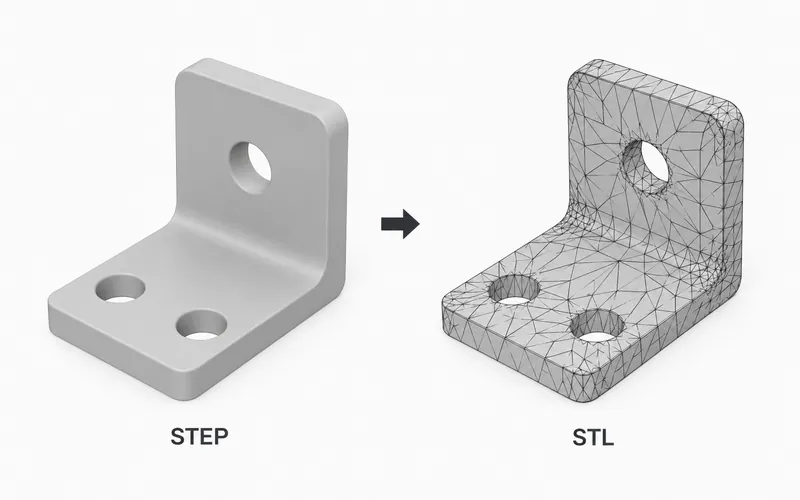
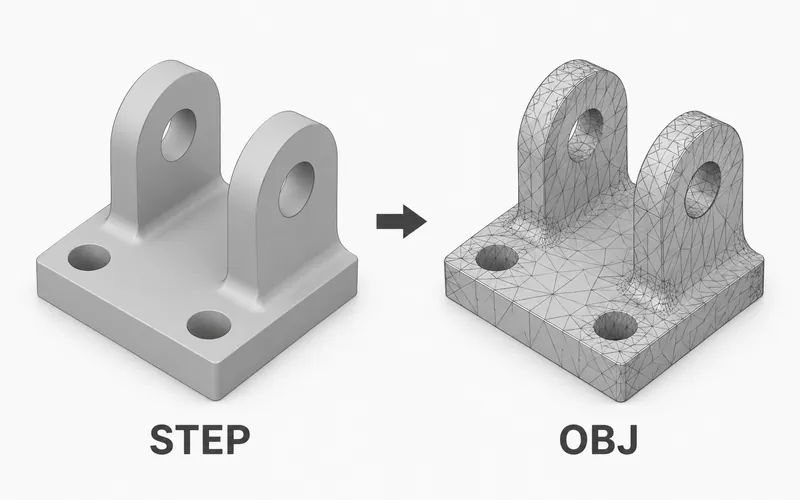
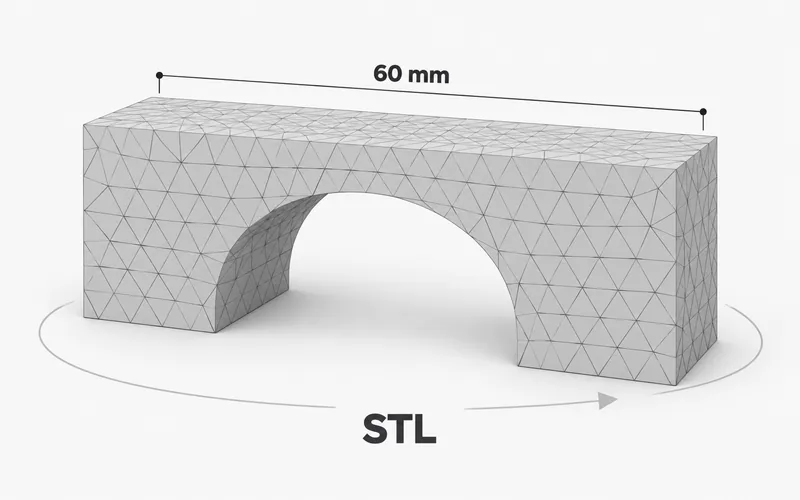
STEP is a CAD file format used for precise mechanical parts and engineering models. Unlike STL, STEP files usually store solid CAD geometry instead of only triangle mesh surfaces.
Designers and suppliers use STEP files when a part needs to move between CAD programs. A STEP file is often the source file people convert before 3D printing or mesh editing.
When to use this viewer
Use this viewer when you have a STEP or STP file and want a fast browser preview before opening CAD software. It is useful for checking that the part opens and that it looks like the file you expected.
For final measurements, edits, quotes, or manufacturing work, open the same file in your CAD app.
Viewer limitations
Complex CAD parts and large assemblies can take longer to open. Curved shapes are shown as a browser preview, so final engineering checks should happen in CAD software.
Use this page for a quick visual check, then use your CAD, slicer, or manufacturing tool for final review.