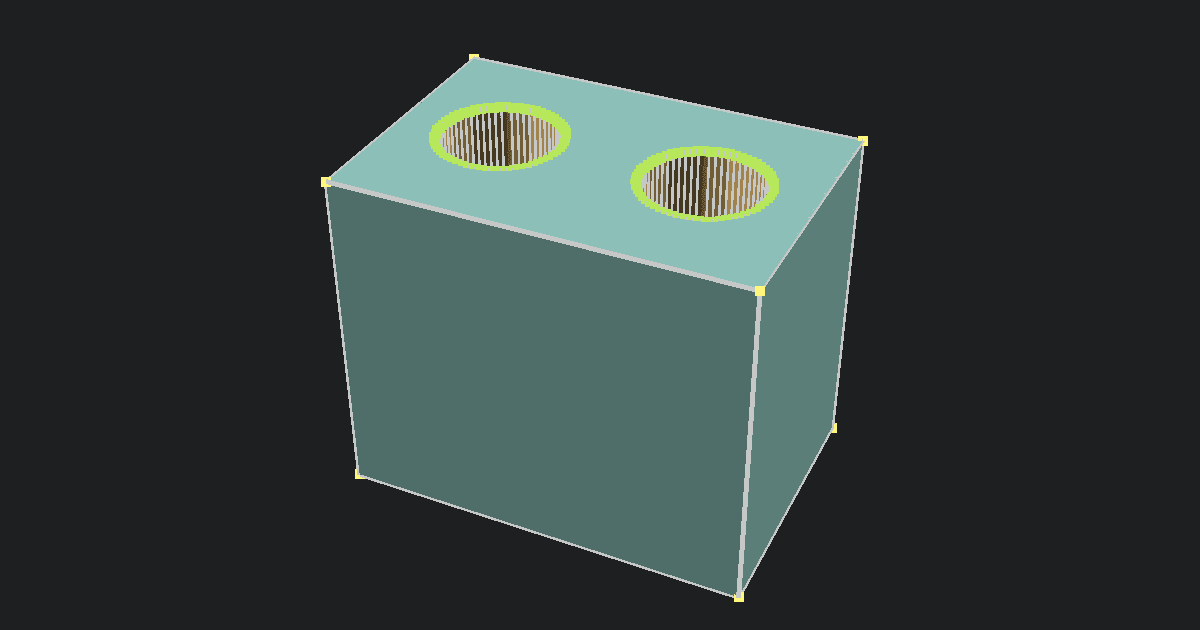
Open Rhino 3DM files without installing Rhino
This Rhino file viewer is useful when you only need to check a model, not edit it. Upload a .3dm file, wait for the browser preview, then orbit around the shape to confirm the right file opened. This is handy for quotes, client reviews, downloaded parts, and quick checks on a computer that does not have Rhino installed.
The viewer runs locally in your browser. Your model is not uploaded to our servers, and there is no account step before you can inspect it.
Need to check a print mesh instead? Use the Free Online STL Viewer for STL files, or the Free 3MF Viewer when a slicer project includes multiple objects, build items, or painted color regions.
How to view a 3DM file online
- Save the Rhino model as a
.3dmfile. - Upload the file into the viewer at the top of this page.
- Wait for the browser to decode the Rhino data. Larger files can take longer because the work happens on your device.
- Drag to rotate, scroll to zoom, and check the model from several angles.
- Review the object, layer, material, and bounds summary before sending the file to someone else.
If the file is meant for 3D printing, use the viewer as a first check only. A 3DM file can hold smooth CAD surfaces, while a slicer usually needs a clean mesh. Export STL, 3MF, or another slicer-ready format from Rhino when you are ready to print.
What is special about the 3DM format
3DM is Rhino's native model format. It can store much more than a simple triangle mesh. A single file may include NURBS curves, Breps, SubD geometry, polygon meshes, layers, materials, named objects, units, and view data.
That flexibility is why 3DM is common in jewelry, product design, architecture, and engineering workflows. It is also why online viewing is different from opening an STL. An STL is already a mesh. A 3DM file may need parts of the model to be tessellated before WebGL can show it in a browser.
This viewer is built for previewing and inspection. It can show common Rhino geometry and report useful model counts, but it is not a Rhino replacement. Use Rhino or your CAD tool for editing, exact measurements, repair work, manufacturing drawings, or final production checks.
When to use a different tool
Use this page when the source file is .3dm and you want a fast visual check. Use the Free Online STL Viewer when the model has already been exported for slicing as STL.
If you receive a 3MF from Bambu Studio, OrcaSlicer, or another slicer, use the Free 3MF Viewer to preview the package, objects, build items, and painted color regions. If you need a plain mesh from a 3MF package, use the Free 3MF to STL Converter.
Privacy and file limits
The 3DM file is decoded in your browser using a Rhino-compatible WebAssembly runtime. PrintNexus does not upload or store the model. Clearing the file or closing the tab removes it from the page.
The limit is 100 MB. That keeps the viewer responsive and helps avoid memory problems on phones and older laptops. If a very detailed Rhino file struggles, make a lighter review copy or export a mesh preview from Rhino first.