What each setting does
Change a setting and the 3D preview updates by itself a moment later.
Place & moment
Place search, latitude and longitude. Type a city and pick the right match, or type the numbers yourself. The place decides which stars show on your print.
Local date and time. This is the moment the sky shows. Use the time on the clock where it happened. Dates from 1900 to 2100 work.
Time zone. Place search fills this in for you. Check it when the place is near a border. A wrong zone moves the sky by the hours between the two zones.
Repeated clock time. On the night daylight saving time ends, clocks go back an hour, so a time like 1:30 AM happens twice. If you pick one of those times, this choice shows up so you can say whether you mean the first 1:30 AM or the second.
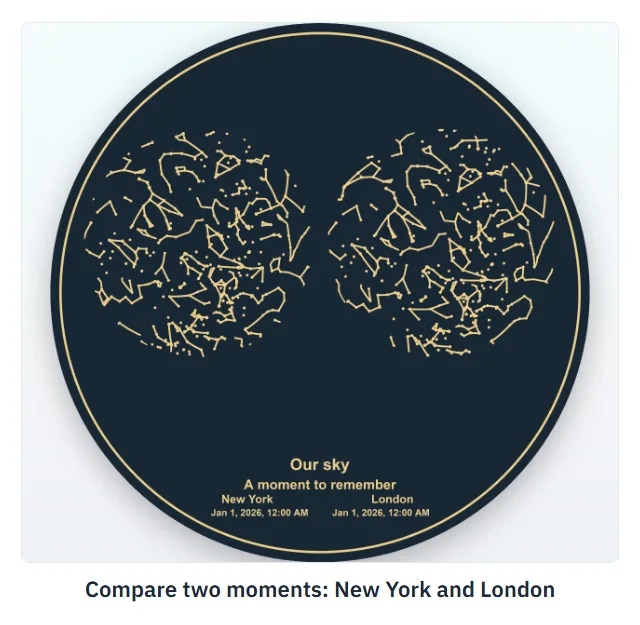
Compare two moments. Puts two skies side by side on one plate, each with its own place, date and time.
Layout & size
Layout. Circle makes a round plate. Gallery portrait makes a tall plate (180 mm wide becomes 225 mm tall) with the sky above the text. Full sky makes a square plate where the stars fill the whole plate and the text takes the place of the lowest part of the sky. The four arches (Pointed, Round, Ogee and Horseshoe) are tall like Gallery portrait, with a shaped top and a flat bottom that fits the desk stand.
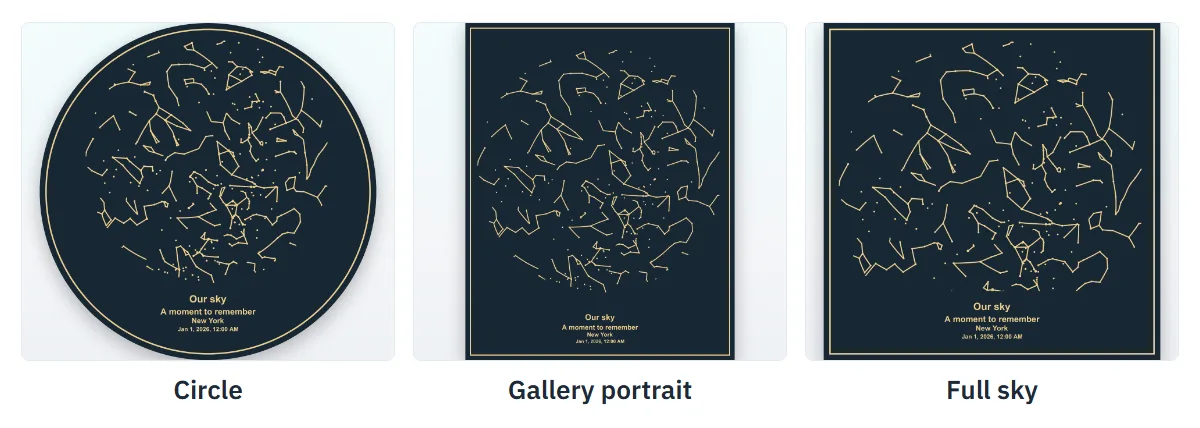
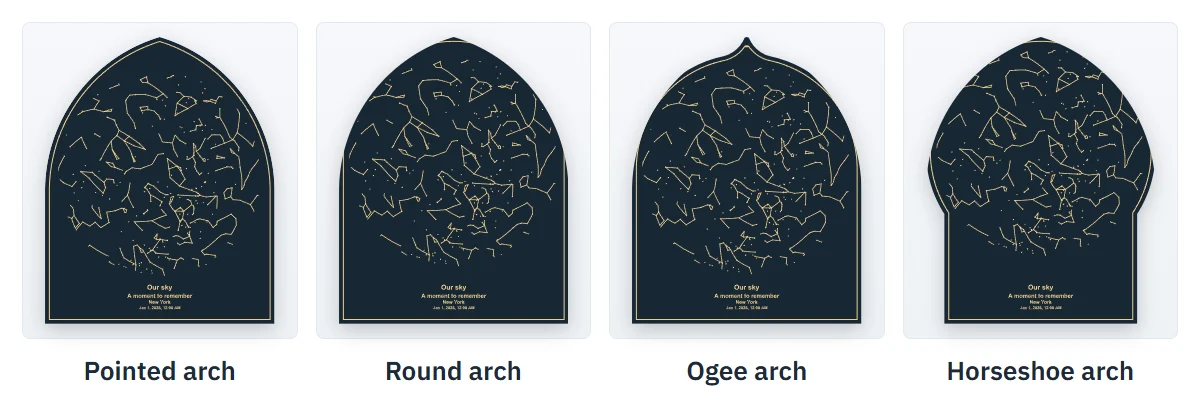
Plate width. 80 to 250 mm, 180 mm to start. Small details print better on a wider plate. Make sure it fits your print bed.
Base thickness. 1.2 to 10 mm, 3 mm to start. This is the solid plate under the stars. A thin base prints fast but can bend. A thick base leaves room for magnet pockets.
Detail treatment. Raised details stand up from the plate. Flush inlay sinks the stars and text into the plate and fills them with a second color, so the top is flat. A flush inlay needs a printer that can print two colors in the same layer.
Detail height / depth. 0.2 to 3 mm, 0.6 mm to start. For raised details, this is how tall they stand. For a flush inlay, it is how deep the color goes. An inlay needs at least 0.8 mm of base left under it.
Frame. No frame, one line or two lines around the edge. Each line is 0.8 mm wide.

Sky details
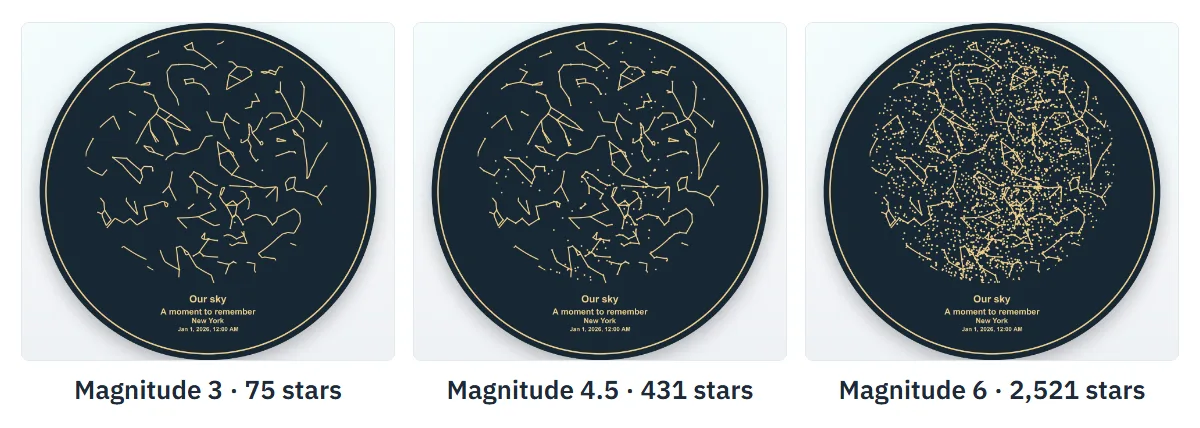
Faintest magnitude. This decides how dim a star can be and still show up. Star brightness counts backwards, so lower numbers mean brighter stars. For New York at midnight on New Year's Day 2026, magnitude 3 shows 75 stars, 4.5 (where it starts) shows 431, and 6 shows 2,521. A very full sky takes longer to make and is harder to print cleanly.
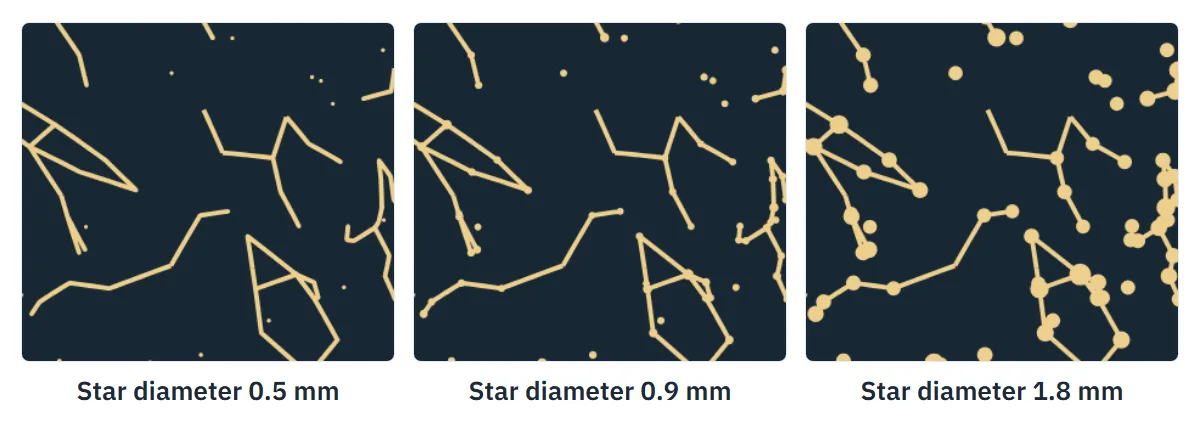
Star diameter. 0.4 to 3 mm, 0.9 mm to start. This is the size of the dimmest stars. Brighter stars come out up to 1.8 times bigger. Small stars can vanish if your nozzle can't draw them. Big stars that sit close together can run into each other.
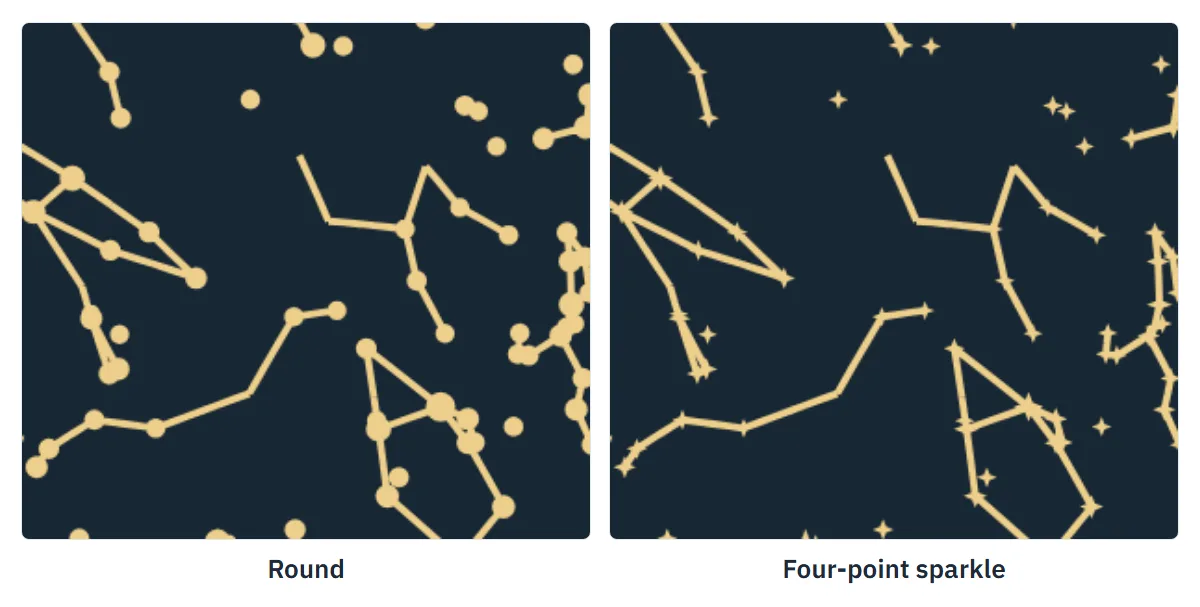
Star style. Round dots or four-point sparkles. Sparkles have thin points, so give them a bigger star diameter.
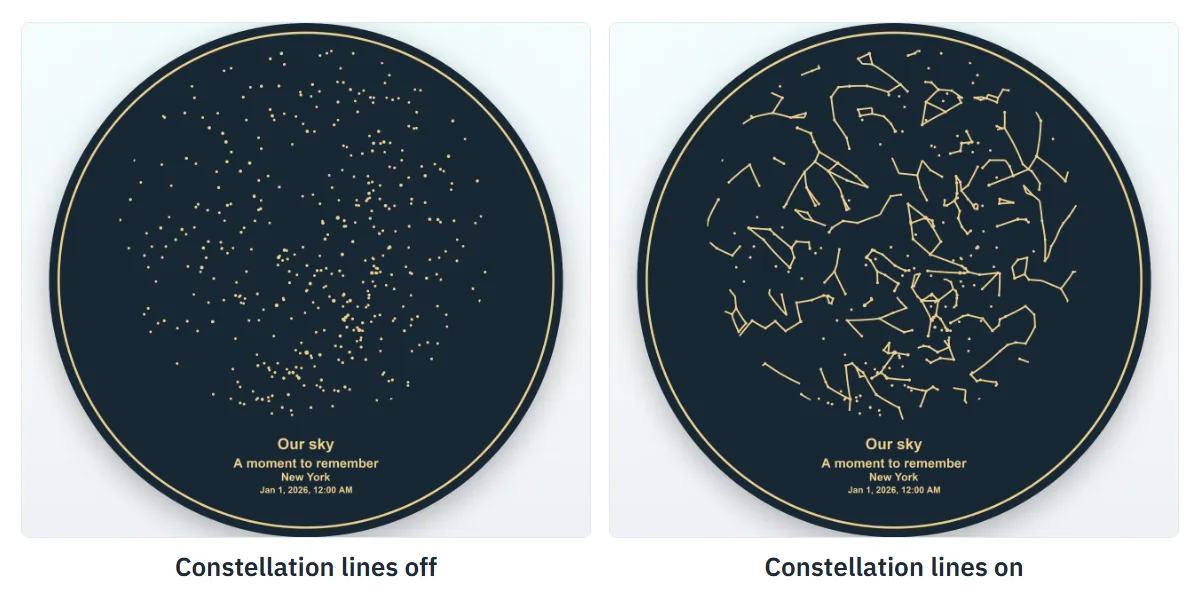
Constellation lines. Turn these on to join the stars into their shapes.
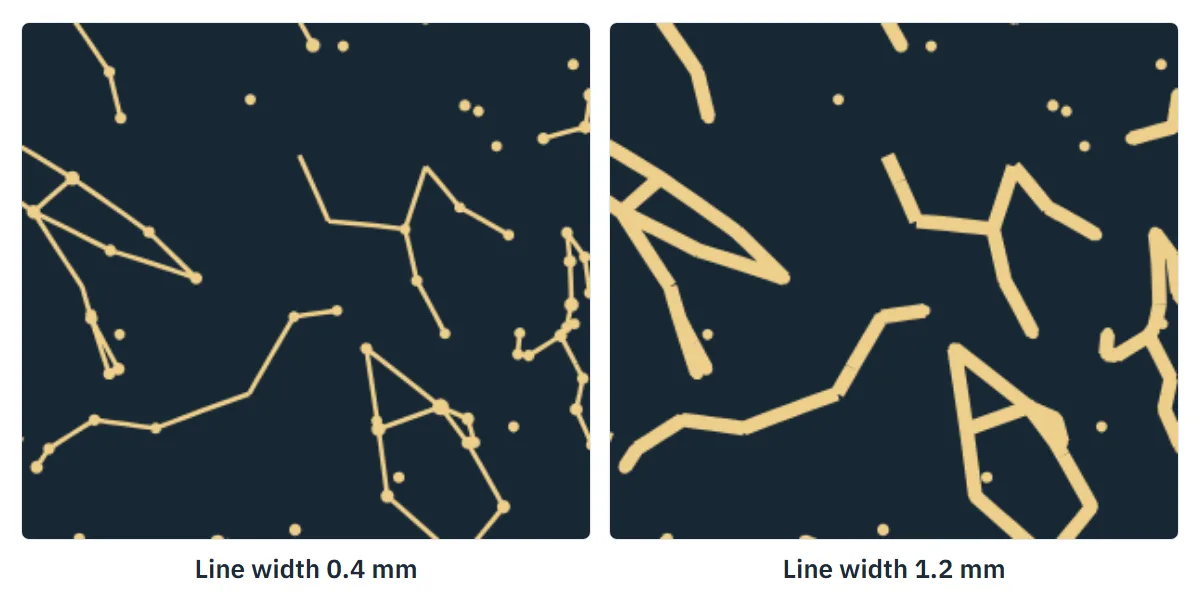
Line width. 0.3 to 2 mm, 0.6 mm to start. Thicker lines print more reliably. Keep them at least as wide as your nozzle.
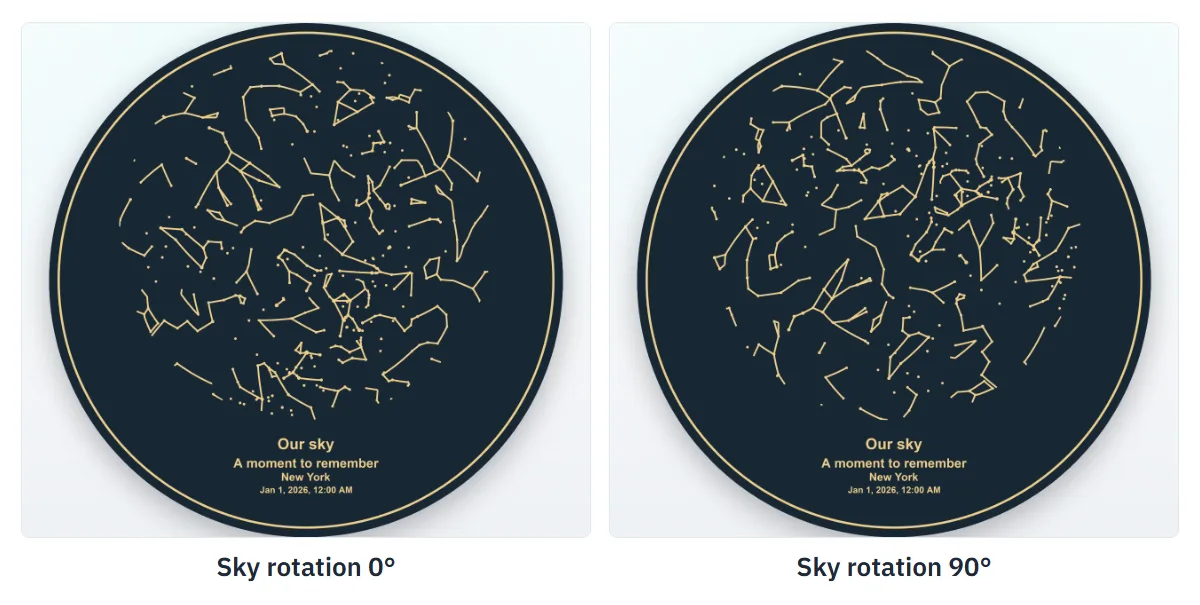
Sky rotation. Turns the sky around its center, in degrees. At 0, north is at the top.
Message & typography
Title and subtitle. Up to 120 characters each. The subtitle prints a bit smaller than the title.
Show place, Show date, Show coordinates. Turn each of these lines on or off under the title.
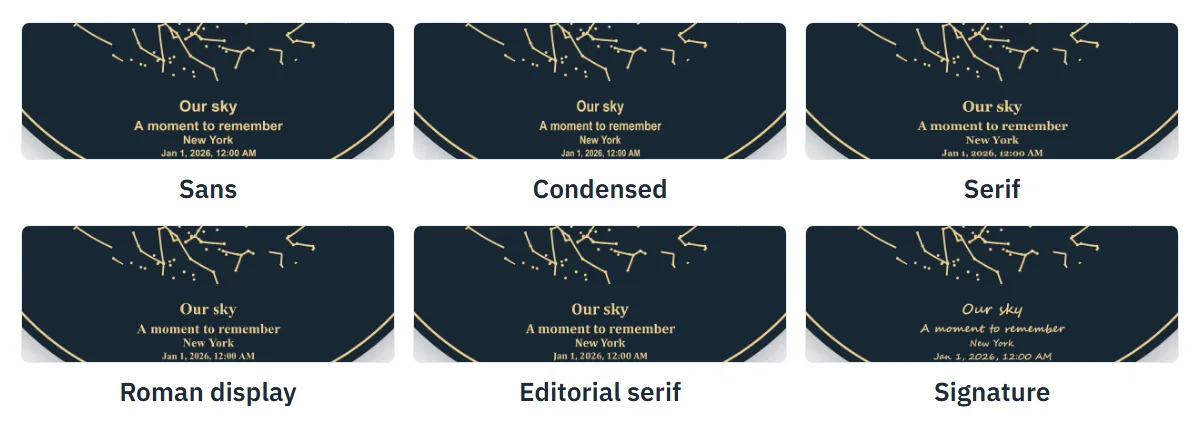
Design typeface. Six letter styles. They use fonts on your device, so the letters can look a little different on another computer.
Text height. 2 to 12 mm, 5 mm to start. This sets the height of the title. The subtitle is about two thirds of that, and the place and date lines are about half. All the text together can use up to 30% of the plate's height. If it needs more, the tool shrinks it to fit.

Text case and alignment. Keep the letters the way you typed them or make them all capitals. Center the lines or line them up on the left.
Date language. Writes the date in English (US or UK), Spanish, German, French or Chinese.
Colors & mounting
Base color and detail color. These are the colors in the preview and in the 3MF file, one for the plate and one for the stars and text. You still pick the real filament in your slicer.
Mounting. Matching desk stand adds a separate block with a slot that holds the plate up. The slot is 0.4 mm wider than the plate is thick. Lean back tilts the stand's slot so the plate leans like a picture frame, from 0 (straight up) to 25 degrees. A bigger lean makes the base deeper so the plate can't tip over. Rear magnet pockets adds two round pockets in the back. Wall hanging hole adds a 5 mm hole near the top edge for a nail or screw.
Magnet diameter, depth and clearance. Clearance makes each pocket a little wider so the magnet slides in. 0.2 mm is a good start. A pocket can be at most the base thickness minus 0.8 mm deep.
Make a keepsake of your moment
Turn a birthday, wedding or first meeting into a lasting 3D print. Choose a round, tall, full-sky or arch-shaped plate, then add a title and subtitle for that day.
What does the sky show?
The stars come from the XHIP catalog data distributed by d3-celestial. Their positions are adjusted from the catalog's year-2000 reference date, then placed above your calculated horizon for the chosen place and time.
North starts at the top and east at the left, as though you are looking up.
Time-zone boundaries are approximate near borders. Historical clock rules can be incomplete and depend on your browser's time-zone data. Check unusual historical dates against a reliable local record.
Raised stars or a flat inlay?
Raised details sit above the base. For two colors, add a filament change at the top of the base, which is your Base thickness (3 mm to start). Check the sliced layer before printing. If you use a filament change, print the desk stand on its own.
Flush inlay fills recesses so the base, stars and lettering finish at the same height. Use the 3MF and assign its Plate and Sky and lettering parts to different filaments. A single change at one layer height cannot color a flush inlay.
Choose your download for the job:
- Download 3MF keeps millimeter units, base/detail parts and colors. A selected stand is a separate object. Check material assignments in your slicer; no printer profile or G-code is included.
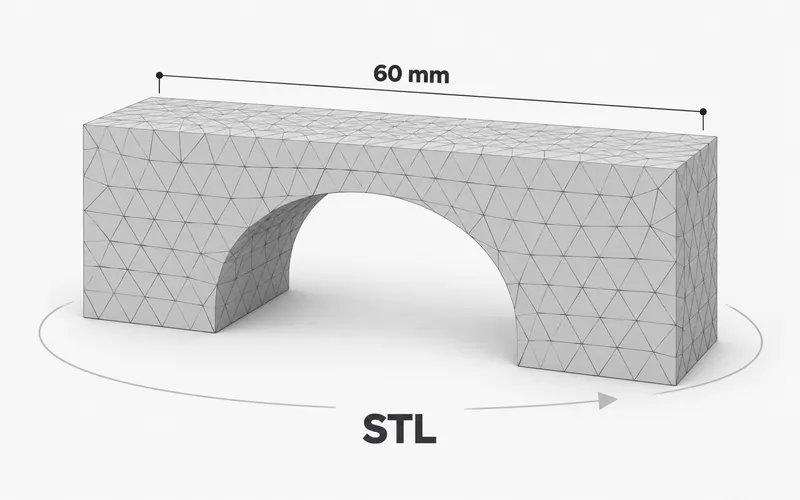
- Download STL saves the plate as one joined mesh without color, with the stand beside it if you picked one. Import it as millimeters. For a flush inlay, the merged STL has a plain, flat top, so use 3MF to keep the design visible.
Keep fine details printable
Your nozzle limits how small a star, line or letter can print: nozzle and extrusion width limit fine features. If fine details vanish in your slicer, switch its wall generator to Arachne, or try wider lines, larger stars, shorter text or a larger plate. Then check the sliced layers again.
Chinese and other characters need a font on your device that includes them. The downloaded model keeps the letter shapes you see in the preview.
Test the matching stand's fit with your material. For rear magnet pockets, check diameter, depth and bridging in the sliced preview before fitting magnets.
Check, slice and print
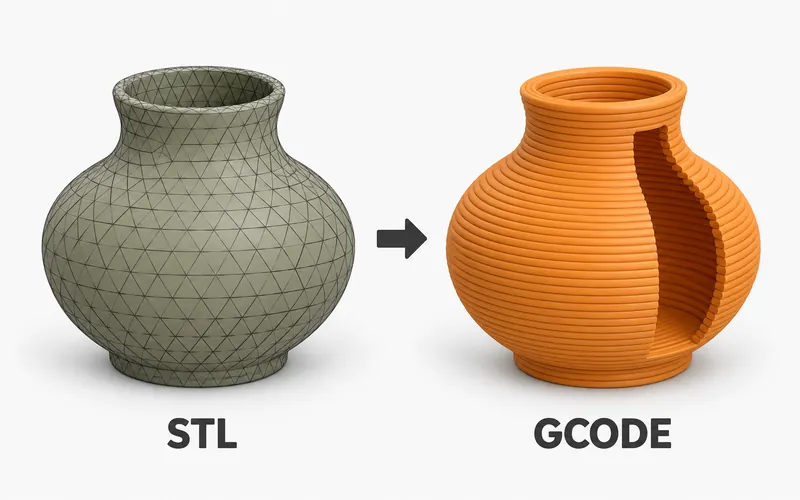
Open the exported model in the Free STL Viewer to check its size. The STL viewer includes a measure tool which lets you find the distance between any two points you click. For a simple single-color print on a supported Marlin or Klipper printer, use the Free STL to Gcode Converter.
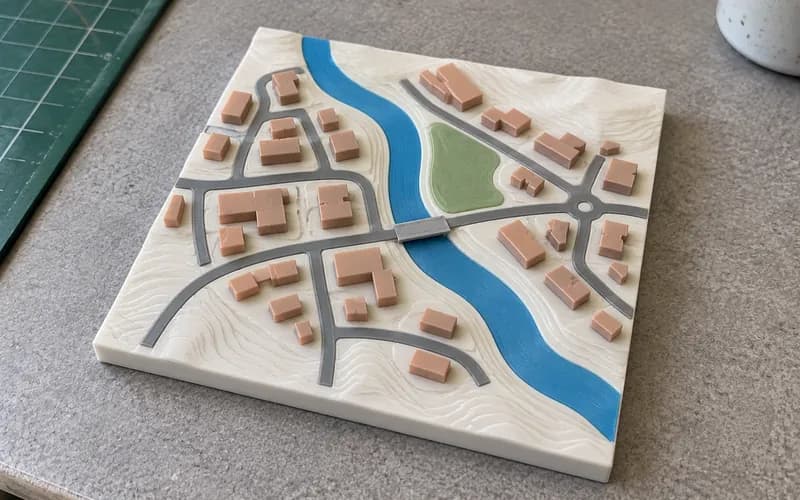
Want to remember the place as well as its sky? Try the Free 3D Printable Map Maker.
Your dates, text and generated geometry are processed in your browser. Place searches send the query through PrintNexus to the map search service. Data and software credits are available with the catalog and time-zone notices.