Our FBX Viewer opens .fbx files in your browser so you can preview the 3D model on your device. If the file came with texture images, select them at the same time so the viewer can apply the textures when possible.
The file stays local. PrintNexus does not upload or store it, and you do not need an account.
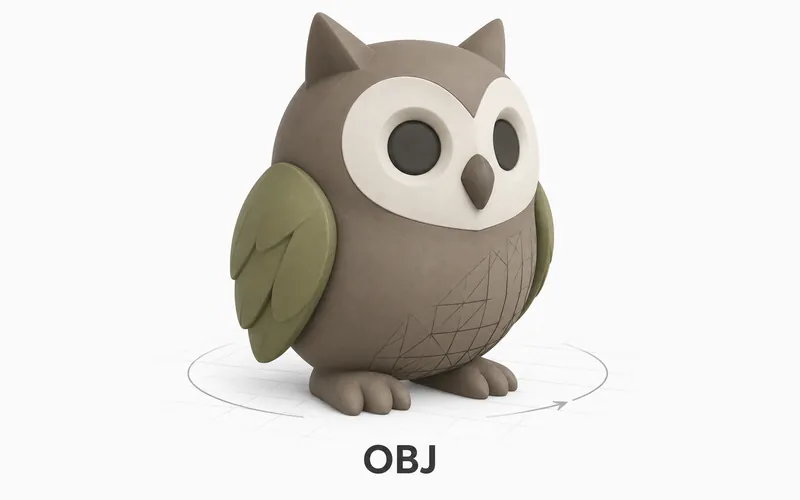
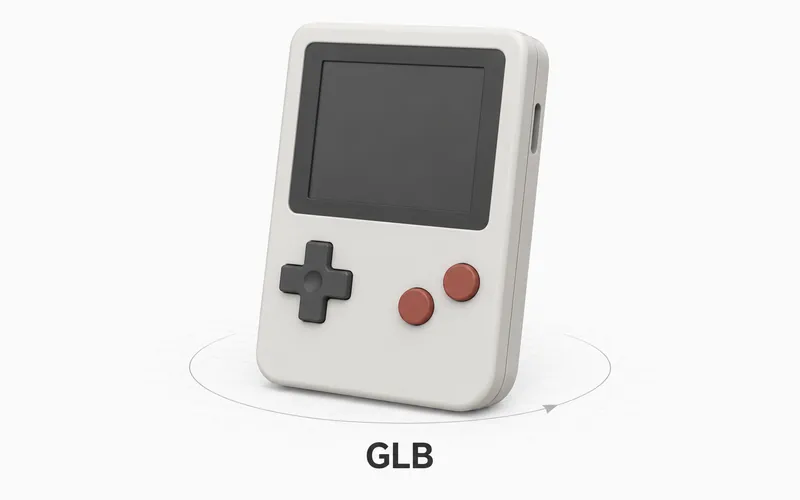
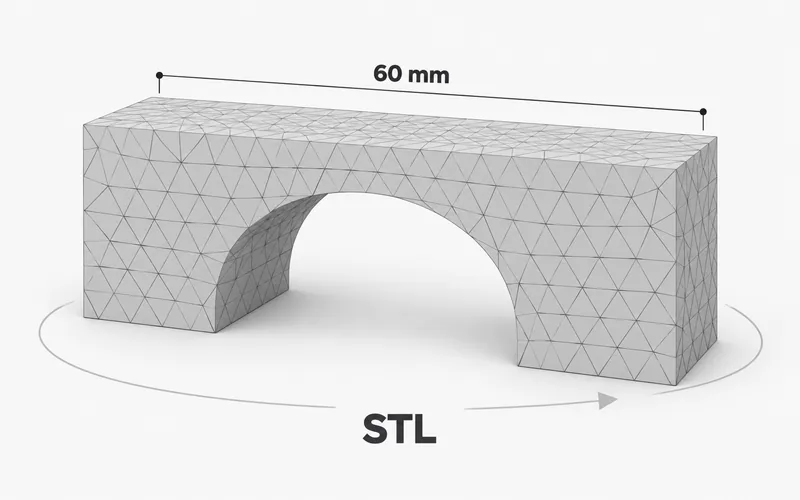
Need to view a different 3D file type? Try the Free OBJ Viewer, the Free GLB File Viewer, or the Free Online STL Viewer.
How to view an FBX file online
- Upload the
.fbxfile into the viewer at the top of this page. - Select any texture image files that came with it.
- Wait while the browser opens the model.
- Drag to rotate and scroll to zoom.
What is an FBX file?
FBX is a 3D model format used by many modeling apps, game engines, and online model libraries. It is often used when a model needs to move from one 3D program to another.
An FBX file usually stores the model shape. It may also reference texture image files, which is why those files can matter when you preview it.
When to use this viewer
Use this viewer when you have an FBX file and want a simple browser preview. It is useful for a quick visual check before you open a larger 3D app.
For final review, open the same file in the app or platform where it will be used.
Viewer limitations
This page is a fast browser preview, not a full 3D editor. Use it to check whether the FBX opens and to inspect the visible model.
FBX files can vary a lot between apps. For final material checks, animation checks, rig checks, scale checks, or export work, open the same file in the app that will use it.