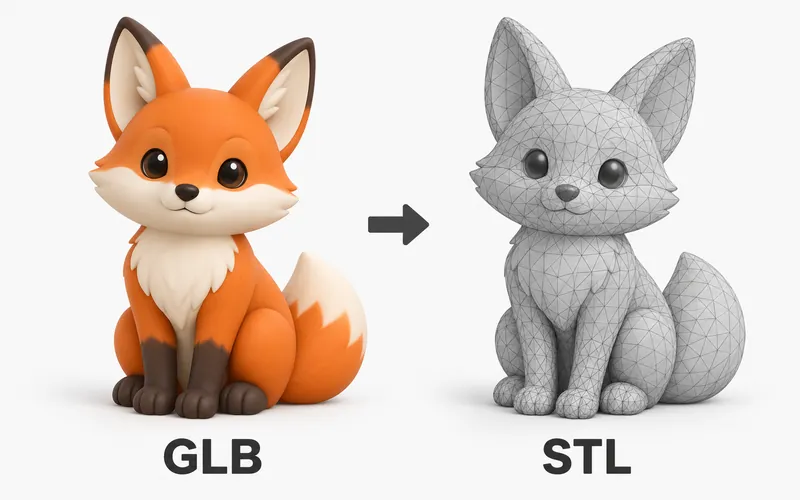
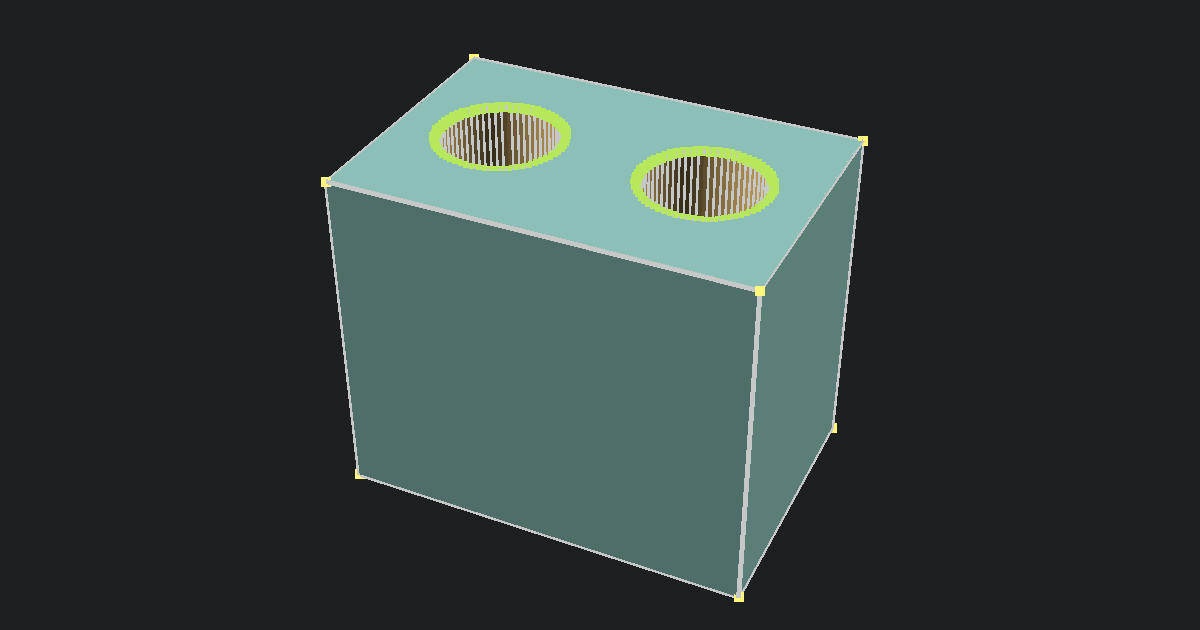
Our GLB File Viewer opens .glb files in your browser so you can preview the 3D model on your device. GLB is a self-contained web 3D format, and most GLB files include their materials and textures inside one file.
The file stays local. PrintNexus does not upload or store it, and you do not need an account.
Need to view a different 3D file type? Try the Free GLTF Viewer, the Free OBJ Viewer, or the Free Online STL Viewer.
How to view a GLB file online
- Upload the
.glbfile into the viewer at the top of this page. - Wait while the browser opens the model.
- Drag to rotate and scroll to zoom.
- Use the preview for a quick visual check.
What is a GLB file?
GLB is the single-file version of glTF, a 3D format built for web, app, and product preview workflows. It can pack model data, materials, and texture images into one binary file.
That makes GLB easier to share than a folder of separate model files. It is often used for web 3D, ecommerce previews, AR workflows, and game asset handoff.
When to use this viewer
Use this viewer when you have a GLB file and want a simple browser preview before sharing it or opening another app. It is useful when you need to check whether a single 3D asset opens cleanly.
For final review, open the same file in the app, site, or platform where it will be used.
Viewer limitations
GLB files can look different between apps because lighting, materials, and rendering settings vary. A browser preview may not match the final look in a game engine, AR app, or product viewer.
Use this page for a fast visual check, then test the same GLB in its final destination.