Practice OpenSCAD with a model you can check
These free OpenSCAD exercises give you short modeling problems and check the solid you build. Start with a 20 mm cube, then work through cylinders, positioning, joining shapes, and cutting a hole. It is hands-on OpenSCAD practice in your browser, with no install or account.
How an exercise works
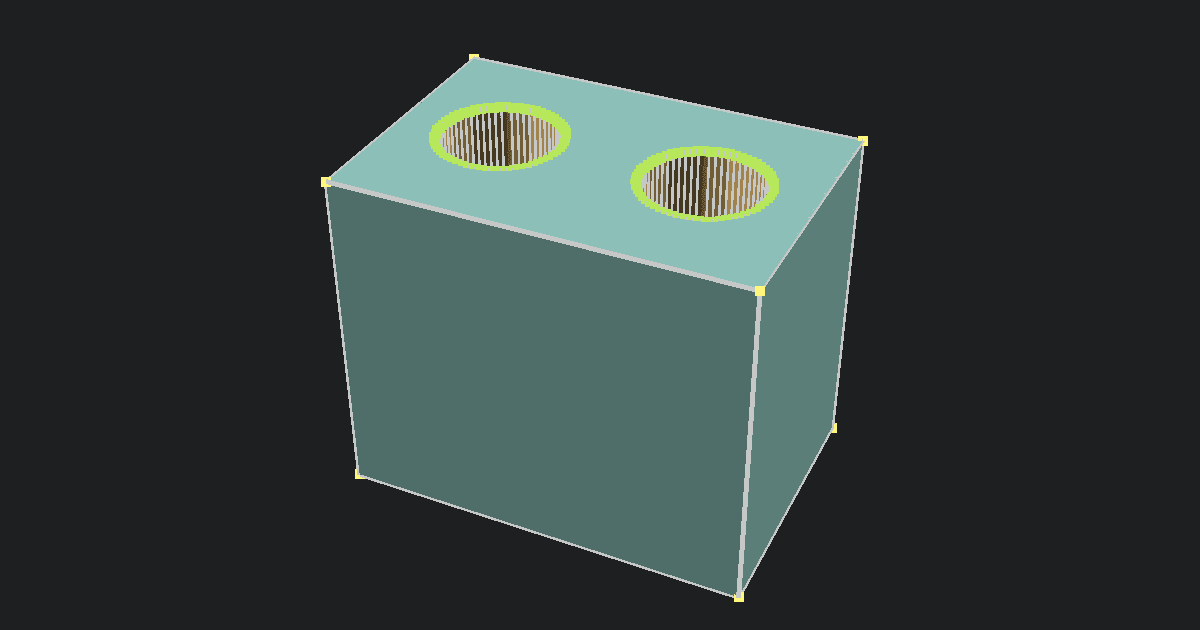
Pick a problem from the exercise list and read the target. Type OpenSCAD code in the editor, then click Run or press F5. The 3D view shows the model your code made, or the editor shows an OpenSCAD error to fix. Drag the model to look around it.
When the preview looks right, click Check. The checker compares your rendered solid with the target. It checks the overall size, the shape of the material, and the position when the prompt asks for specific coordinates. It gives you a clue if a dimension is wrong or if material is missing or extra. Change your code, run it again, and check it again. After a correct answer, click Next exercise.
You can solve a problem in more than one way. For example, a centered cube can be made with center=true or with a translate() around an ordinary cube. The checker looks at the result, so equivalent code can pass. It allows small differences in round edges caused by $fn, but it does not review code style or teach every OpenSCAD command.
What to learn next
If the first problem is unfamiliar, read our OpenSCAD primitives guide for the shape commands and their size options. The OpenSCAD Boolean operations guide shows how union(), difference(), and intersection() work before you try the later exercises. The official OpenSCAD cheat sheet is useful when you need to look up a command.
For your own design without a set problem, use the OpenSCAD Online Playground. You can render code there and download the source or an STL. If you already have a model file, the OpenSCAD Viewer can open it in your browser.
Your code and progress
Run and Check happen in your browser. The page downloads the target model for each exercise, but does not upload your code or rendered shape. Drafts and completed checks last while this page stays open. Reloading starts the exercises over, so save any code you want to keep in your own file.