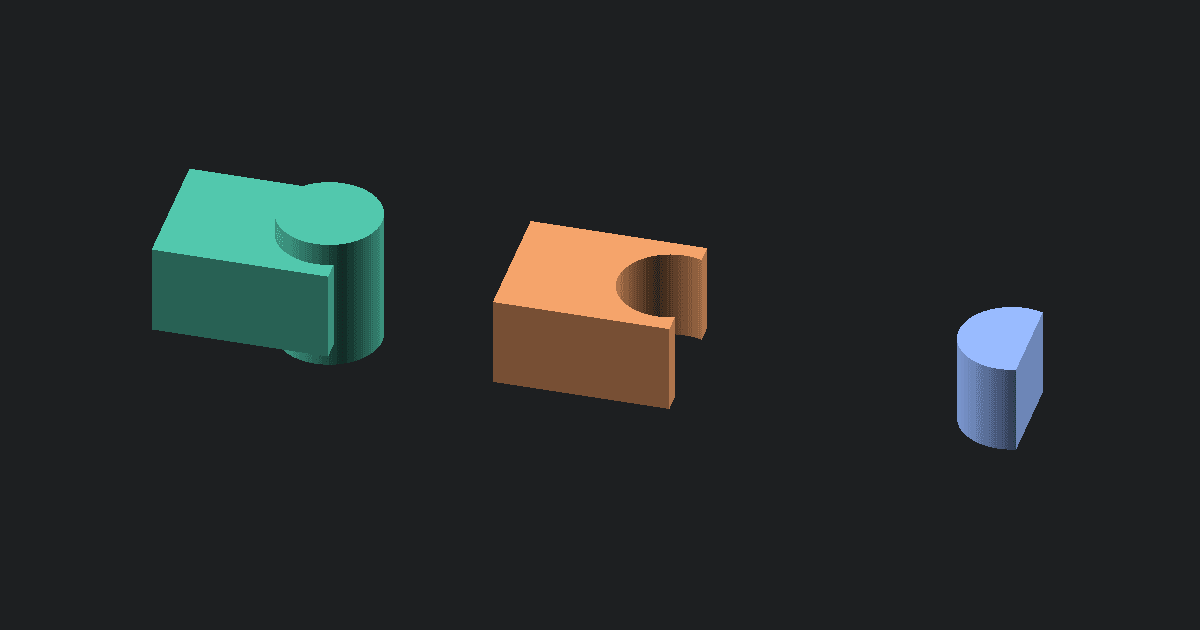
3MF to GLTF conversion exports the visible mesh from a 3MF package as a single-file glTF asset for browser viewers and 3D apps. This tool runs in your browser, embeds the mesh buffer in the .gltf file, and previews the converted result. Your 3MF file stays local.
Why convert 3MF to GLTF
Use this direction when you have a slicer or model-library 3MF, but another tool wants glTF JSON. GLTF is common in web and app workflows, while 3MF is common in printing. This page bridges the visible mesh from the print package into a display-friendly asset.
What changes when 3MF becomes GLTF
The converter exports supported visible geometry as triangle mesh data. It writes generated flat normals and one neutral material so the GLTF can display in common viewers.
The output does not include the whole 3MF package. Colors, material assignments, thumbnails, build plate layout, printer settings, supports, and slicer profiles are not written into the GLTF.
How to convert 3MF to GLTF online
- Upload a .3mf file.
- Click Convert to unpack the package in your browser.
- The tool writes a .gltf file with embedded mesh data.
- Inspect the preview for shape and scale.
- Download the .gltf file.
Quirks and common problems
GLTF can hold rich display data, but this converter only has the mesh data it can read from the 3MF package. Painted regions and slicer metadata are not carried over. Multi-object packages are exported as one mesh for a simple handoff.
About 3MF and GLTF
3MF is built for 3D printing packages. It can include mesh geometry and print workflow data in one file.
GLTF is a modern 3D asset format used by viewers and real-time apps. This converter writes a single .gltf file with embedded mesh data.
What to do next
If you prefer a compact binary asset, use the Free 3MF to GLB Converter. If you later need glTF back in slicer format, use the Free GLTF to STL Converter. To look inside the original package first, use the Free 3MF Viewer.