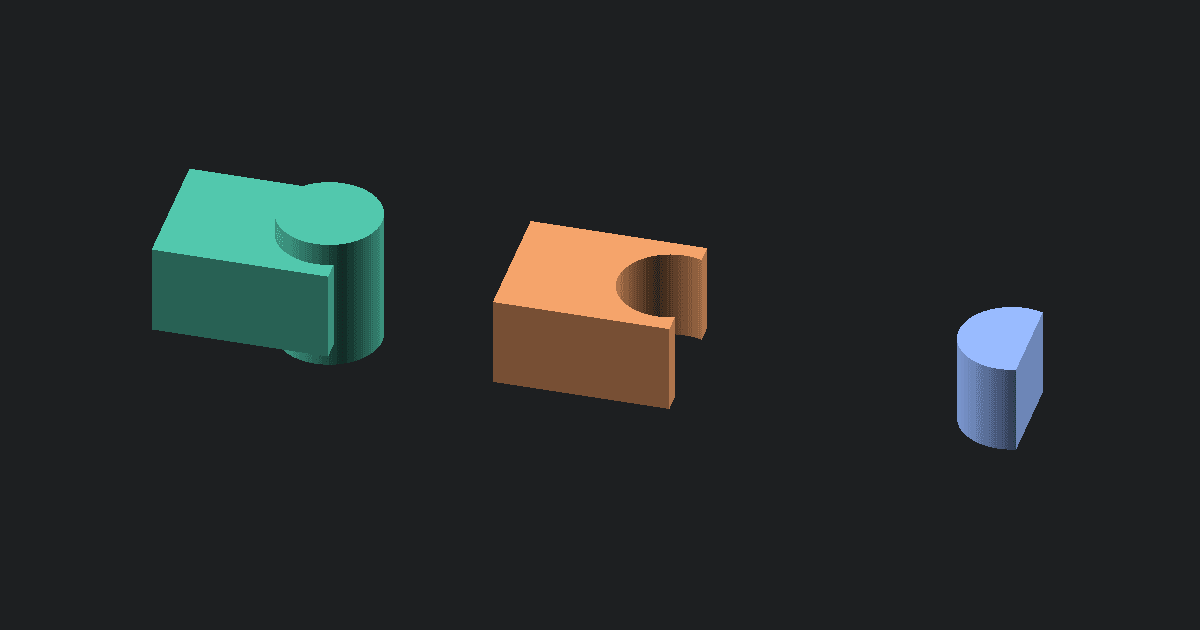
OBJ is a common 3D model format that stores the model's shape and can refer to separate material and texture files. GLB is a compact, single-file 3D format that is easy to open in web viewers, product previews, and many 3D apps. This converter takes the shape from your OBJ, packages it as a GLB with a neutral material, and lets you preview it before downloading. The conversion happens in your browser, so your file is never uploaded or stored.
Why convert OBJ to GLB
OBJ is easy to export from modeling apps, but it is awkward for web use because it may need separate material and texture files. GLB is a single binary file that many web viewers and 3D app pipelines can load directly. Use this converter when you need the mesh in a more portable display format.
What changes when OBJ becomes GLB
The mesh geometry carries over. The converter reads vertices and faces, triangulates larger polygons, generates flat normals, and writes one neutral material so the GLB displays with basic shading.
This tool reads the OBJ file only. It does not load .mtl libraries or texture images beside the OBJ, so those materials are not packed into the GLB. The output is best for simple geometry sharing, not for preserving a fully textured asset.
How to convert OBJ to GLB online
- Upload a single .obj mesh file.
- Click Convert to parse the OBJ in your browser.
- The tool writes a binary GLB with generated normals and one neutral material.
- Preview the converted mesh.
- Download the .glb file and test it in your target viewer or app.
Quirks and common problems
OBJ files from game or render pipelines often look different when sidecar materials are missing. If you need textures, export a complete GLB from your modeling app instead. Dense sculpt meshes can also make large GLB files, so simplify the mesh first if the target viewer struggles.
About OBJ and GLB
OBJ is a long-lived mesh exchange format. It is simple and readable, but full appearance usually depends on extra files.
GLB is the binary form of glTF. It is built for efficient loading in modern viewers and apps, with geometry and display data packed into one file.
What to do next
If your app asks for JSON glTF, use the Free OBJ to GLTF Converter. If you need a slicer mesh instead, use the Free OBJ to STL Converter. To convert a GLB back for printing, use the Free GLB to STL Converter.