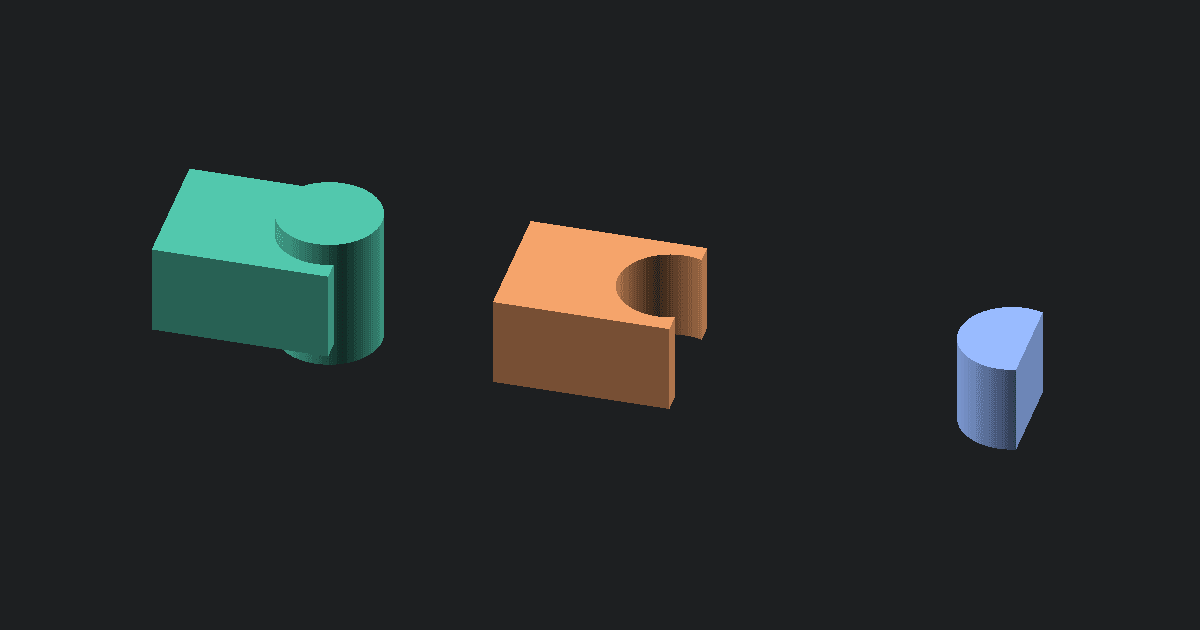
OBJ to GLTF conversion turns a Wavefront mesh into a single-file glTF asset for browser viewers, engines, and 3D handoff. This converter reads the OBJ locally, embeds the mesh buffer in the .gltf file, and previews the output before download. Your model stays in your browser.
Why convert OBJ to GLTF
Some tools ask for glTF JSON instead of a binary GLB. OBJ is still common for mesh exchange, but glTF is a better fit for modern web and app workflows. Use this page when you need a .gltf file and your source model is a plain OBJ mesh.
What changes when OBJ becomes GLTF
The converter keeps supported mesh geometry. OBJ faces are triangulated when needed, flat normals are generated, and one neutral material is added so the model can be shaded in a viewer.
The tool does not read separate .mtl files or texture images. UV coordinates and material styling are not included in the output. The .gltf file is a geometry-focused asset with the buffer embedded inside it.
How to convert OBJ to GLTF online
- Upload one .obj file.
- Click Convert to read the mesh locally.
- The converter writes a .gltf file with embedded mesh data.
- Inspect the preview for the expected shape and scale.
- Download the .gltf file.
Quirks and common problems
If the original OBJ depended on textures, the GLTF output will look plain. That is expected for this browser converter because it only receives the OBJ file you upload. If your OBJ contains several groups, the supported geometry is exported into one mesh for simple handoff.
About OBJ and GLTF
OBJ is a text-based mesh format used by many modeling tools. It can describe faces and reference material files.
GLTF is a modern 3D asset format used by web viewers and real-time apps. It can be rich, but this conversion writes the mesh data available from the OBJ.
What to do next
If you want the compact binary version, use the Free OBJ to GLB Converter. If you need print-ready geometry, try the Free OBJ to STL Converter. If you later need glTF back in STL form, use the Free GLTF to STL Converter.