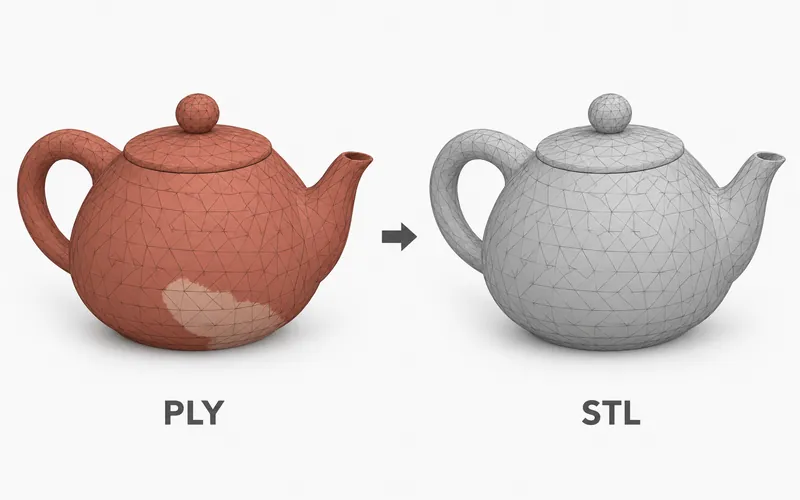
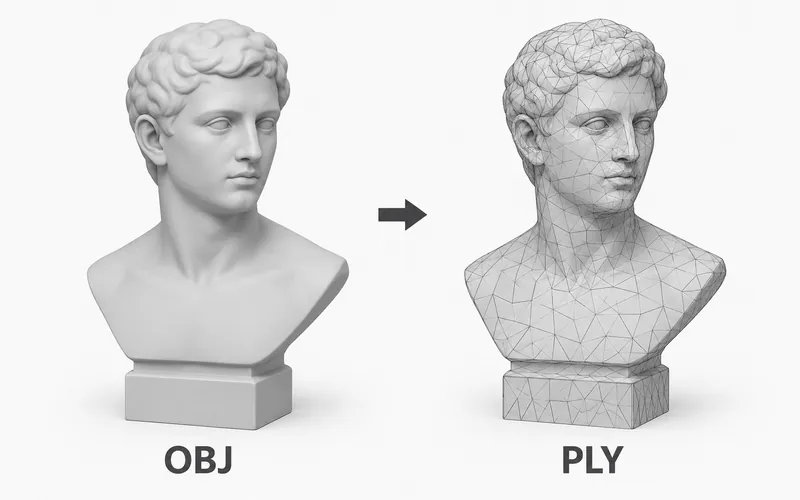
Our PLY File Viewer opens .ply files in your browser so you can preview the 3D file on your device. PLY files are common in 3D scanning, mesh cleanup, and point-based model workflows.
The file stays local. PrintNexus does not upload or store it, and you do not need an account.
Need to view a different 3D file type? Try the Free OBJ Viewer, the Free Online STL Viewer, or the Free GLB File Viewer.
How to view a PLY file online
- Upload the
.plyfile into the viewer at the top of this page. - Wait while the browser opens the model.
- Drag to rotate and scroll to zoom.
- Use the preview for a quick visual check.
What is a PLY file?
PLY stands for Polygon File Format. It is often used for 3D scan data because it can store points, faces, and simple color data in one file.
Some PLY files are solid mesh models. Others are point-only files, which means the preview may look like many dots instead of a closed surface.
When to use this viewer
Use this viewer when you have a PLY file and want a quick browser preview before opening a scan, mesh, or repair tool. It is useful when you need to see whether the file opens and what kind of model it contains.
For final cleanup, editing, slicing, or print setup, open the same file in the app that will use it.
Viewer limitations
Large scan files can take longer to open, especially on phones, tablets, or older laptops. Point-only PLY files are shown as points, not as a filled surface.
PLY color data can vary between export tools. If color matters for your next step, check the same file in your scan or mesh app before using it.