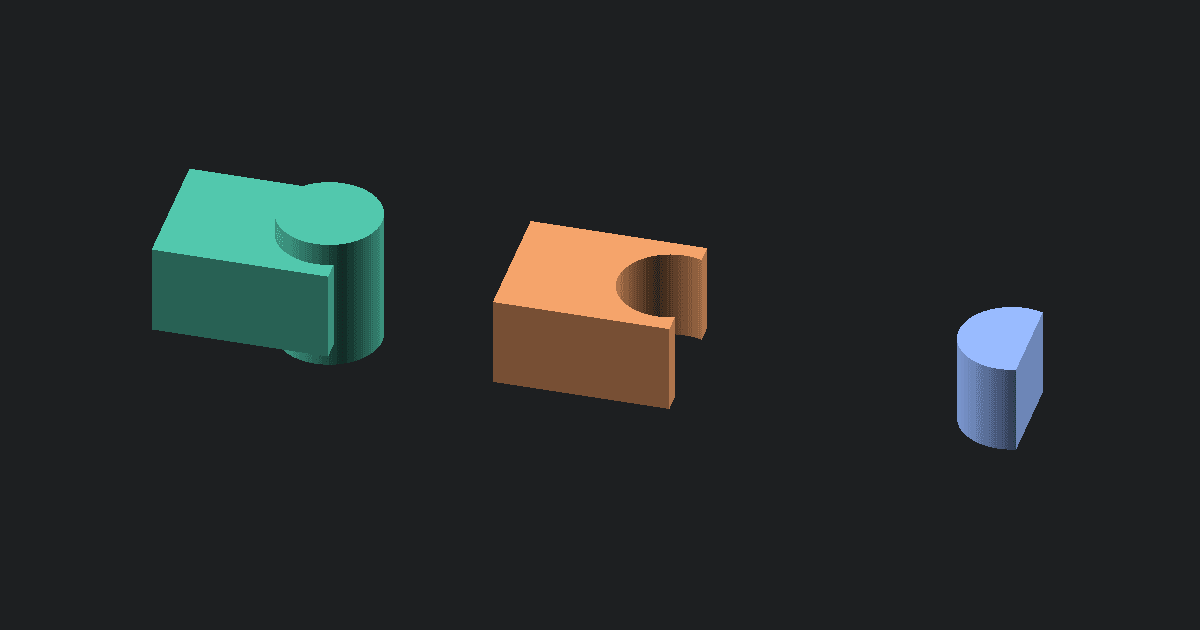
3MF to OBJ conversion is useful when you need to extract a plate or individual model from a slicer project for editing in Blender or another mesh program. This converter opens the 3MF on your device, lets you choose the geometry you want, and creates a Wavefront OBJ file without uploading your model.
How to convert 3MF to OBJ online
- Upload a
.3mffile from Bambu Studio, OrcaSlicer, PrusaSlicer, or another 3MF app. - If the file contains multiple plates, choose the plate you want to export.
- Keep Entire plate selected, or choose one model from the plate.
- Check the preview to confirm that it shows the geometry you want.
- Click Convert, then download the
.objfile.
Conversion notes
The converter reads saved plate assignments from Bambu Studio and OrcaSlicer projects. PrusaSlicer and standard 3MF files appear as one plate based on their normal build.
When you export an entire plate, its models keep their positions relative to one another. The selected geometry is moved near the origin so that a plate saved far from the center of the original project does not produce an OBJ with extreme coordinates.
The OBJ contains only triangle geometry. Colors, painted regions, materials, textures, thumbnails, printer profiles, supports, brims, and slicer settings are not included.
Pull the model geometry out of a 3MF project
A 3MF can contain much more than one printable model. Slicer-created files may include several build plates, multiple models on each plate, filament assignments, painted colors, thumbnails, supports, and printer settings.
This converter focuses on the visible mesh geometry. It lets you open a multi-plate 3MF, inspect its contents, and choose what should be included in the OBJ.
You can export:
- An entire saved plate
- One model from a plate
- All models that were not assigned to a saved plate
- One unassigned model
You can choose a model from the list or click it directly in the plate preview. The downloaded OBJ includes only the selection visible in the preview.
This is useful when you downloaded a slicer project but only need one model from it. It can also help when you want to edit a plate assembly without carrying the original printer and slicer information into your modeling program.
A 3MF package can hold much more than the OBJ
3MF is a package format designed for modern manufacturing and 3D printing workflows. OBJ is primarily a mesh exchange format. Moving from 3MF to OBJ keeps the model’s shape, but much of the project information cannot be transferred by this converter.
| Model information | A 3MF can contain | This converter’s OBJ output |
|---|---|---|
| Triangle mesh geometry | Yes | Yes |
| Multiple saved plates | Yes | One selected plate at a time |
| Multiple models | Yes | An entire plate or one selected model |
| Model positions | Yes | Preserved relative to other selected models |
| Declared model units | Yes | Coordinates are written in millimeters, but OBJ has no unit label |
| Object and component names | Yes | Not retained as structured project data |
| Painted colors | Yes | Not included |
| Material and filament assignments | Yes | Not included |
| Texture images | Yes | Not included |
| Printer and slicer settings | May be included | Not included |
| Supports, brims, and toolpaths | May be included | Not included |
| Thumbnails and plate previews | May be included | Not included |
OBJ can use materials and textures through separate MTL and image files. This converter creates one geometry-only OBJ. It does not create an MTL file or extract texture images from the 3MF package.
How plates are handled
Bambu Studio and OrcaSlicer projects
Bambu Studio and OrcaSlicer can store several saved plates in one 3MF project. The converter reads those plate assignments and displays each plate separately.
Choose a plate from the list to see its models in the preview. You can then export the whole plate as an OBJ or select one model.
PrusaSlicer and standard 3MF files
PrusaSlicer and standard 3MF files do not always describe plates in the same way. Their normal build is shown as one plate containing the available build items.
You can still export the whole build or choose an individual model when more than one model is available.
Models that are not assigned to a plate
Some slicer projects contain real models that are not assigned to any saved plate. The converter keeps these models available under an unassigned group instead of hiding them or counting them as another saved plate.
You can preview and export all unassigned models together or choose one model from the group.
Export one model or keep the complete plate
Choose one model when you need a single part for sculpting, repair, measurement, or reuse. Only that model appears in the converted OBJ.
Choose the entire plate when the models form an assembly or when their spacing matters. Their positions relative to one another remain intact in the exported geometry.
For example, a plate containing a box and a matching lid will keep the lid in its saved position relative to the box. The converter will not stack, join, or rearrange those pieces.
The OBJ may contain disconnected surfaces when several models are exported together. They share one file, but they are not automatically fused into one watertight solid.
Why the exported model is moved near the origin
Slicer projects can save plates far apart in the project’s coordinate system. A model on a later plate might otherwise appear hundreds or thousands of millimeters away from the origin when opened in a modeling program.
The converter moves the selected geometry near the origin before writing the OBJ. When an entire plate is exported, all models on that plate move together, so their spacing and arrangement remain the same.
This makes the OBJ easier to find, frame, and edit after opening it in Blender, MeshLab, or another mesh application.
Why the OBJ may look plain in your editor
A colorful 3MF may appear gray or white after conversion. This does not mean that the mesh is damaged.
Due to the nature of OBJ's the converter is unable to transfer:
- Painted color regions
- Filament colors
- Material assignments
- Texture images
- Slicer-generated color instructions
- Printer or plate settings
OBJ can reference materials through a separate MTL file, but this tool creates only the OBJ geometry. Your modeling program will display the mesh using its default material.
When OBJ is the useful destination
OBJ is useful when your next step involves editing or reusing the mesh rather than printing the original slicer project as saved.
Common uses include:
- Opening a 3MF model in Blender
- Sculpting or reshaping a downloaded model
- Removing unwanted geometry
- Measuring a model
- Repairing holes or mesh problems
- Extracting one model from a multi-plate project
- Moving the geometry into software that does not support 3MF
- Sharing a geometry-only copy without printer settings
OBJ is not a replacement for the complete 3MF project. Keep the original file if you may need its plate layout, painted regions, filament assignments, or slicer settings again.
Check the converted OBJ before editing
Inspect these areas after conversion:
- Selection: Confirm that the preview contains the intended plate or model before clicking Convert.
- Dimensions: OBJ does not store a reliable unit label. Check the model’s measurements in the program where you open it.
- Orientation: Some 3D programs use a different vertical axis, so the model may need to be rotated.
- Separate pieces: An entire plate may produce one OBJ containing several disconnected models.
- Surface condition: Changing the file format does not close holes, remove overlapping faces, or repair non-manifold geometry.
- Triangle count: A detailed 3MF will still produce a dense OBJ mesh. Conversion does not restore smooth CAD surfaces.
You can inspect the downloaded geometry with the Free OBJ Viewer before making further changes.
Keep the original 3MF for slicing
Treat the OBJ as an editing copy. The original 3MF may contain information that is important to the printing workflow but absent from the OBJ.
Converting the OBJ back into 3MF later will not restore the original colors, plate assignments, model names, thumbnails, printer profiles, supports, or slicer settings.
Keep the source 3MF whenever you may need to return to the original project or print it with its saved setup.
Continue working with the extracted model
Use the Free OBJ Viewer to inspect the downloaded mesh and confirm its dimensions.
If you need separate 3MF files instead of OBJ geometry, use the Free 3D Model Splitter. To place an edited OBJ back into a modern printing container, use the Free OBJ to 3MF Converter.