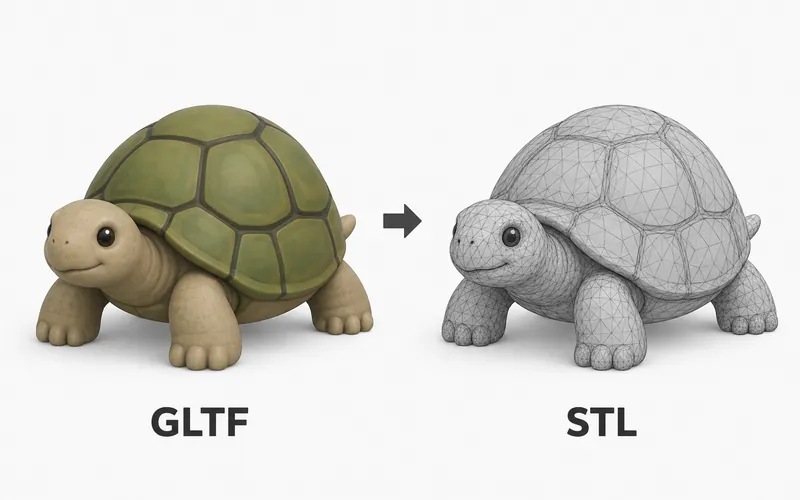
Our GLTF Viewer opens .gltf files in your browser so you can preview the 3D model on your device. GLTF files are common in web 3D, and they may come with a .bin file and texture images.
The files stay local. PrintNexus does not upload or store them, and you do not need an account.
Need to view a different 3D file type? Try the Free GLB File Viewer, the Free OBJ Viewer, or the Free Online STL Viewer.
How to view a GLTF file online
- Upload the
.gltffile into the viewer at the top of this page. - Select the
.binfile and any texture images that came with it. - Wait while the browser opens the model.
- Drag to rotate and scroll to zoom.
What is a GLTF file?
GLTF is a 3D file format made for moving models into web pages, apps, and real-time viewers. The .gltf file is usually readable text that describes the model and points to the data it needs.
A GLTF model may be split across several files. The .gltf file can reference a .bin file for model data and image files for textures.
When to use this viewer
Use this viewer when you have a GLTF model folder and want to preview the files together in your browser. It is useful when you need to check that the main file and its companion files are in the same upload.
For final review, open the same file in the app, site, or platform where it will be used.
Viewer limitations
GLTF previews depend on the files that came with the model. If the .bin file or texture images are missing, the model may fail to open or may look incomplete.
Browser lighting and material handling can also differ from your final app. Test the same GLTF in its final destination before publishing or shipping it.